
Help
Player guides
Short walkthroughs for the things new players ask most.
How to join
Connect on Java or Bedrock in under a minute.
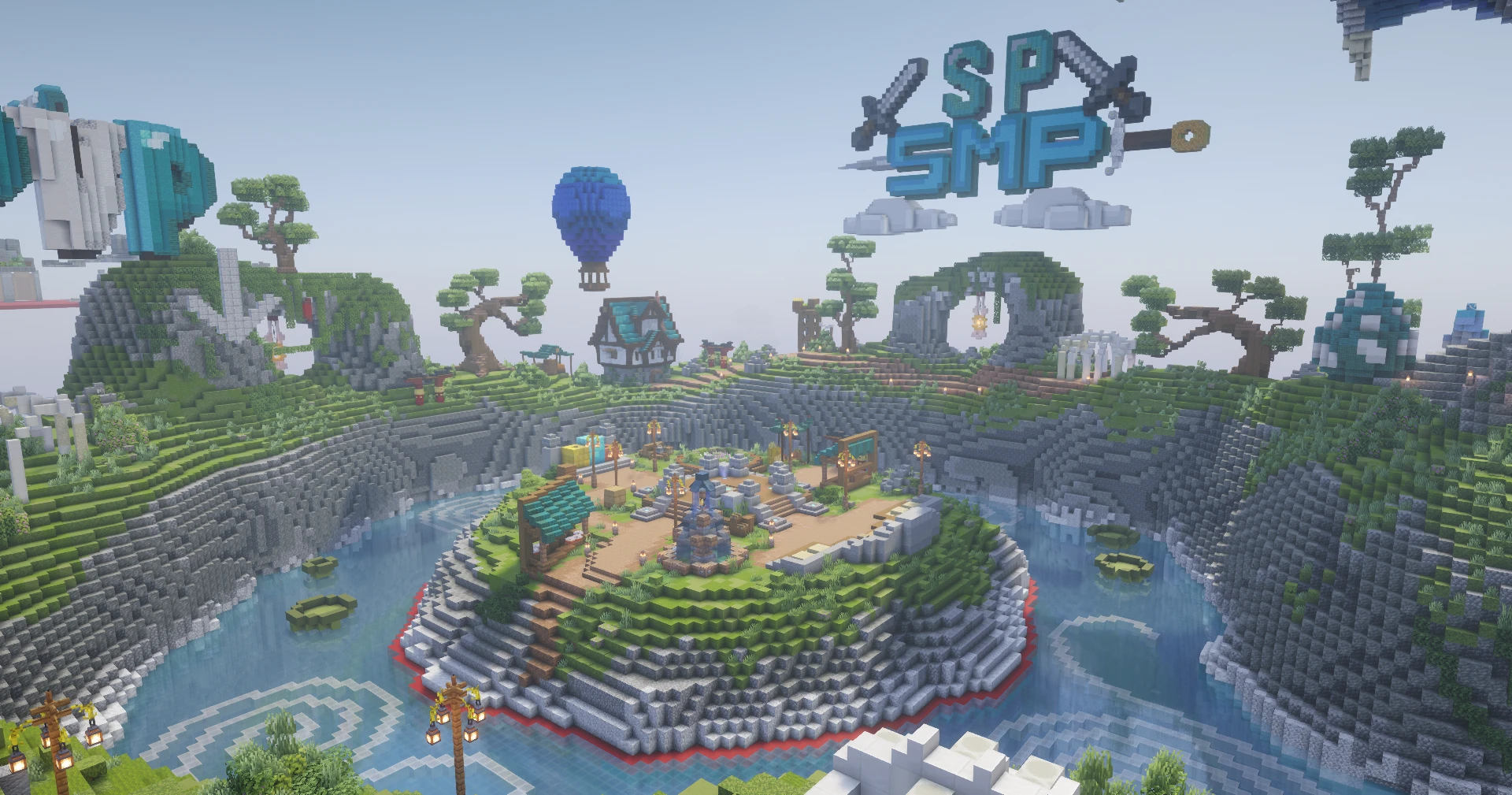
- 1Open Minecraft and choose Multiplayer (Java) or Servers (Bedrock).
- 2Add a new server using the IP and port on the home page.
- 3Join and read the rules at spawn.
Buying from the store
Log in, pick a package and check out.
- 1Log in with your Java username or Bedrock gamertag.
- 2Add ranks, keys or kits to your cart.
- 3Pay through Tebex and rejoin to claim your items.
Using crate keys
Open crates at spawn for loot.
- 1Find the crate area at spawn.
- 2Hold the key and right-click the matching crate.
- 3Keys you buy or vote for are added to your account automatically.
Protecting your builds
Stop griefers before they start.
- 1Hold the claim tool and mark two corners.
- 2Confirm the claim in chat.
- 3Trust friends with the trust command.